

Start with the work already in progress
When lookup credits run low, start with a home that already has a reason to revisit it. Saved Homes and Follow-ups can lead you to an unanswered service question, a requested callback or a visit result waiting for a note.
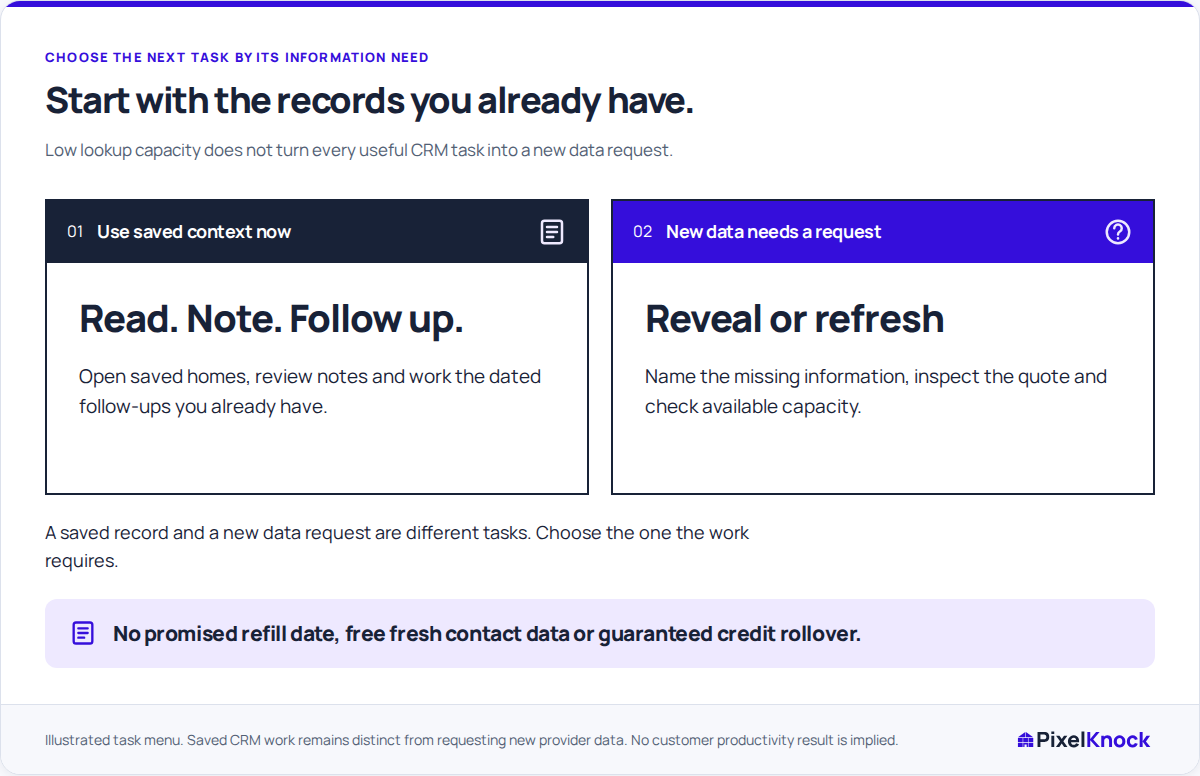
Choose the task before deciding whether you need more data. The answer may already be in Activity or belong to someone on your team. Reading the existing saved record is free; requesting new details is a separate decision.
If a lookup is still unresolved, check its original request before making another. Available and held credits are different, so do not assume a pending hold has become a final charge or returned to your balance.

Separate saved work from a new data request
Use this menu to choose the next task:
| Use saved context now | A separate new-data decision |
|---|---|
| Read the latest home note and identify the open question | Request missing property or contact details |
| Save an actual conversation or visit result in Activity | Request fresh details because a specific task needs them |
| Check or update an agreed follow-up time | Review the quote and available credits before confirming |
| Prepare an answer from your team’s knowledge | Decide whether provider data could answer the question at all |
The left column uses information you already have. The right requires a reason to request more. A saved record does not make a fresh lookup automatically free, and more provider data may not answer an operational question.
Build a session around one answer
In a fictional example, a homeowner has asked whether your assessment crew can work around a narrow driveway. A callback is already scheduled, and the home’s note contains the question. The workspace has little lookup capacity, but this answer needs the crew’s requirements, not another property lookup.
Read the note, ask the person who can confirm those requirements, and save the response with its source. A useful note might be: “Operations confirmed the crew needs access to the driveway throughout the assessment. Ask whether the driveway can be kept clear during the proposed window; no visit agreed.”
If the answer is still pending, record that instead: “Driveway-access requirement awaiting confirmation from operations before the callback.” Either note tells the next reader exactly what is ready and what remains open.
Use your own phone or dialer for the agreed callback, then record what the homeowner actually decided in PixelKnock. Keep the existing callback time accurate while you prepare.
Keep ordinary access requirements visible
Your workspace role still determines whether you can write notes or update follow-ups. If a Viewer can read a home but cannot edit it, review the role with the workspace manager; adding lookup credits would not change that permission.
Some tasks do need new information. Write down the missing fact and the decision it would change, then inspect the current quote and available balance. If capacity is insufficient, leave a specific request for the person managing workspace spending.
For example, “We need the missing contact detail for this requested follow-up” gives that person something to evaluate. “We need more credits” does not explain what the purchase would accomplish. New data may still leave fields unavailable, so judge the request by the question it could answer.
Leave a useful handoff for the next session
Save what you finished, what remains unresolved and who is checking it. Someone returning to the home should be able to continue from that note without repeating the same research.
Review plan capacity when a useful new request requires it. Until then, a clear answer, a prepared callback or an accurate visit note is worthwhile CRM work in its own right.